拍一张,记一笔Snap. Review. Save.
拍摄收据或从相册选择,AI 整理商家、金额、日期和分类,核对后再保存。Capture a receipt or choose a photo. AI organizes the merchant, amount, date, and category for you to review before saving.
LESS EFFORT. MORE CLARITY.
从一张小票开始,把日常开销变成清楚的记录。PennyTrace 帐旅帮你整理收据、了解支出,把时间留给生活。Turn everyday receipts into a clearer picture of your spending. Scan, organize, and understand your expenses with PennyTrace.
无需注册账号 · 无广告 · 支持 iPhone 与 iPadNo account needed · No ads · iPhone & iPad
MADE FOR EVERYDAY
从记录到回顾,把琐碎的整理交给工具,把清楚的生活留给自己。From your first receipt to your monthly review, keep the details together and your days a little simpler.
拍摄收据或从相册选择,AI 整理商家、金额、日期和分类,核对后再保存。Capture a receipt or choose a photo. AI organizes the merchant, amount, date, and category for you to review before saving.
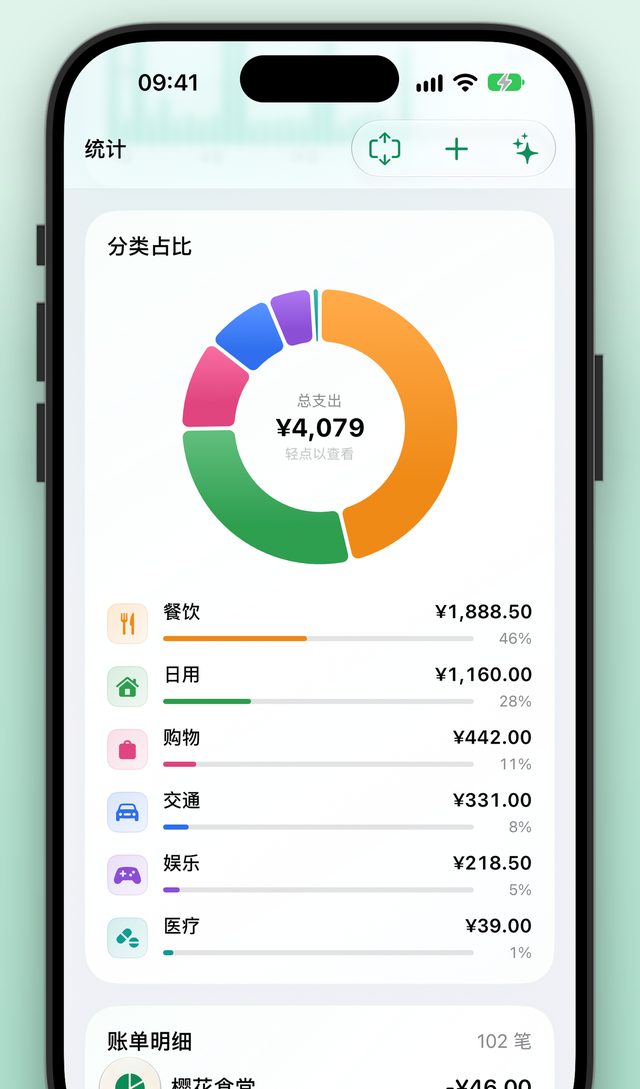
按分类查看支出与变化趋势。不用翻遍账单,也能了解自己的消费习惯。Explore spending by category and follow trends over time. Understand your habits without sorting through every expense.
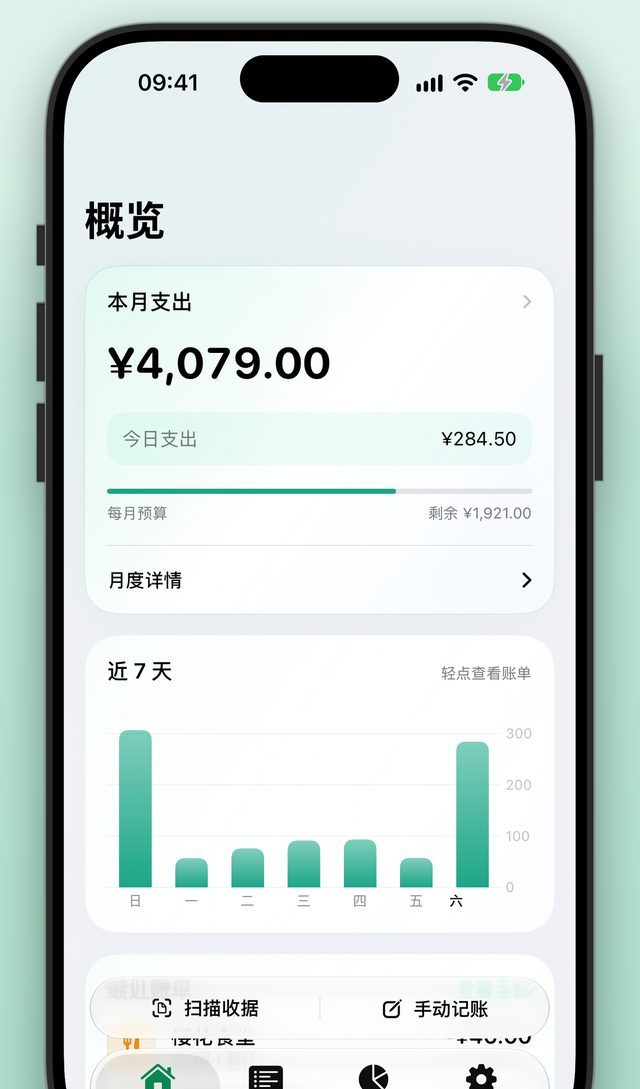
设置月度、年度或分类预算,管理房租、订阅等周期账单,让支出更有条理。Set monthly, yearly, or category budgets, and keep rent, subscriptions, and recurring expenses organized.
PRIVATE BY DESIGN
账单默认保存在本机。你可以选择开启 iCloud 同步,也可以随时导出备份。关于数据如何处理,我们逐项说明。Your expenses are stored on your device by default. Choose iCloud sync when you need it, and export your own backups. Our privacy policy explains the details.
阅读完整隐私政策Read our privacy policy →不需要提供邮箱或手机号来创建账号。No email address or phone number required to create an account.
收据照片不上传给开发者或 AI 服务;开启 iCloud 后,保留的图片会随账单同步。Receipt photos are not sent to the developer or AI services. Saved images sync with expenses if you enable iCloud.
明确同意后才开启。开启后,识别文字会发送至云端处理;可在设置中关闭。Enabled only with your agreement. Recognized text is processed in the cloud when enabled; you can turn it off in Settings.
查找常见问题,或直接联系开发者。Browse common questions, or get in touch with the developer.